

Microsoft Defender Can Now Automatically Disconnect Compromised Devices During Cyberattacks
New Security Feature Automatically Disconnects Compromised Endpoints During Active Attacks
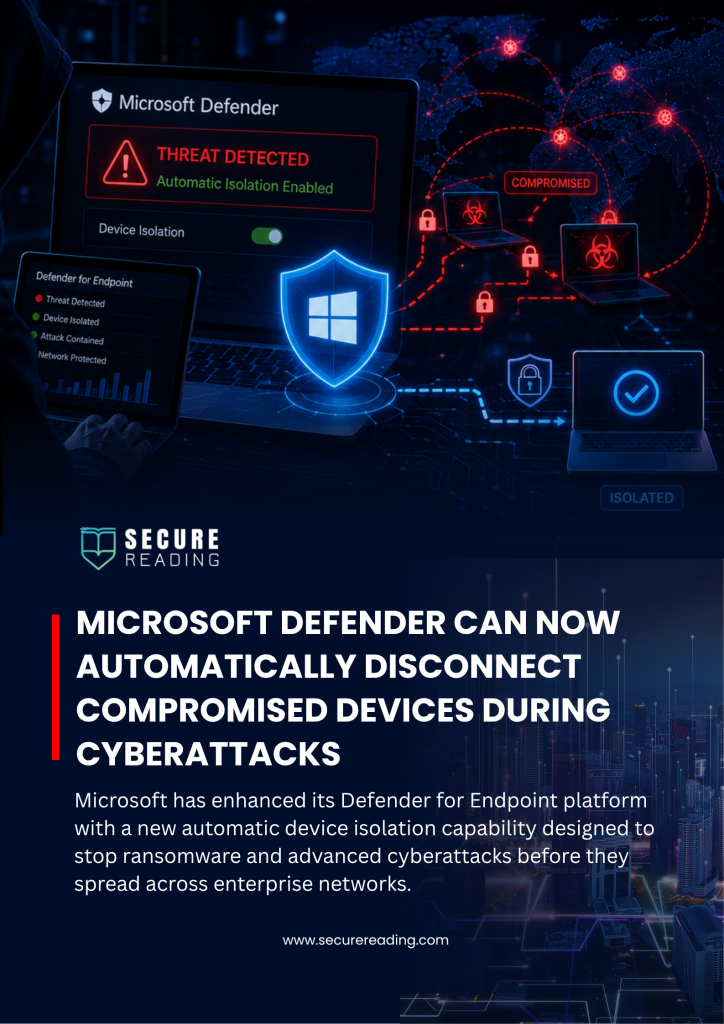 Microsoft Defender Can Now Automatically Disconnect Compromised Devices During Cyberattacks
Microsoft has enhanced its Defender for Endpoint platform with a new automatic device isolation capability designed to stop ransomware and advanced cyberattacks before they spread across enterprise networks.
The feature is part of Microsoft’s broader Automatic Attack Disruption technology within Microsoft Defender XDR. When the system detects a high-confidence threat such as ransomware activity or a sophisticated intrusion it can instantly isolate the affected workstation from the network without waiting for manual action from security teams.
Despite the isolation, the compromised device remains connected to Microsoft Defender services, allowing security analysts to continue receiving telemetry, monitoring activity, and conducting investigations remotely.
The functionality currently applies only to managed endpoint devices enrolled in Microsoft Defender for Endpoint and does not yet support servers or unmanaged systems.
Automated Containment Helps Stop Ransomware Spread
Microsoft Defender XDR continuously analyzes signals from endpoints, user identities, email environments, and SaaS applications to build a unified incident view. Once malicious activity is confirmed with high confidence, the platform automatically launches containment measures to stop attackers before they can move laterally or deploy ransomware across additional systems.
By isolating only the affected devices, organizations can minimize operational disruption while significantly reducing the potential attack surface.
Microsoft Adds Safeguards to Prevent Business Disruption
Microsoft has included several controls to ensure the automation remains manageable and business-friendly:
- Automatic Recovery: Isolated devices can reconnect automatically after a predefined period.
- Manual Release: Security teams can remove isolation at any time after remediation.
- Targeted Containment: Only systems directly involved in the attack are isolated.
- Exclusion Rules: Organizations can exclude critical assets from full isolation or apply customized containment policies.
All isolation and restoration activities are fully logged within the Microsoft Defender portal. Security teams can review detailed timelines, triggered alerts, and automated response actions through the Activities tab and Action Center.
Faster Incident Response Reduces Financial and Operational Damage
Ransomware operators often depend on rapid lateral movement to maximize damage before detection. Microsoft’s new automated isolation capability aims to close the gap between detection and response, helping organizations contain threats within seconds rather than minutes or hours.
With automated containment combined with continuous visibility, security teams can maintain control of investigations while limiting downtime, financial loss, and operational disruption.