

Microsoft Pulls Samsung Galaxy Connect App After It Blocks Windows C Drive Access
Critical Windows 11 issue locks users out of files and apps as Microsoft removes faulty Samsung integration
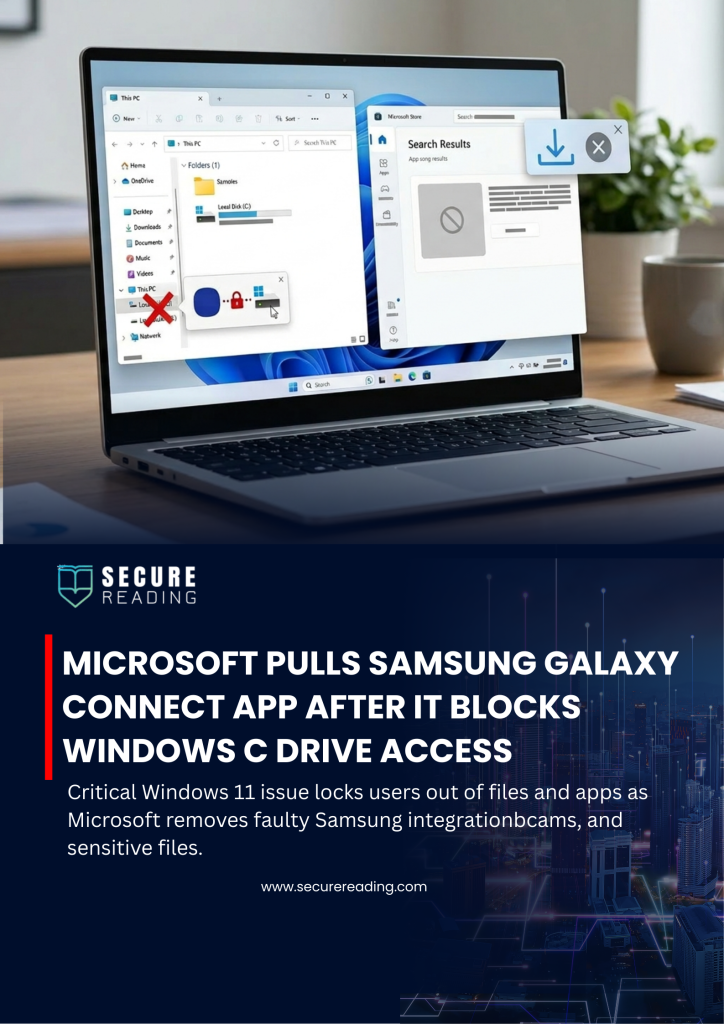
Microsoft has taken urgent action by removing the Samsung Galaxy Connect app from the Microsoft Store after it triggered a serious system-level issue on select Windows 11 devices. The problem, which affected Samsung Galaxy Book 4 laptops and certain desktop models, prevented users from accessing their primary C: drive — effectively disrupting core system functionality.
Users reported encountering the error message “C: is not accessible – Access denied,” which blocked access to files and prevented essential applications from launching. As a result, tools such as Outlook, Microsoft Office apps, web browsers, and even system utilities became unusable. In many cases, users could not perform administrative actions, uninstall updates, or collect diagnostic logs due to permission failures.
Meanwhile, a joint investigation by Microsoft and Samsung traced the root cause to the Samsung Galaxy Connect app. This application, designed to enable seamless connectivity features like screen mirroring, file sharing, and cross-device data transfer, inadvertently interfered with system-level permissions on affected Windows 11 machines.
As a result, Microsoft immediately removed the app from the Microsoft Store to prevent further installations. Samsung has since republished a stable older version of the application in an attempt to contain the issue. However, recovery options for already impacted devices remain limited, and both companies continue to evaluate remediation strategies.
Additionally, Microsoft released an out-of-band (OOB) update addressing a separate security flaw in the Routing and Remote Access Service (RRAS) management tool affecting Windows 11 Enterprise environments. This highlights how multiple system-level risks can emerge simultaneously, requiring rapid vendor response and coordinated mitigation.
Why This Matters for Businesses
This incident underscores a growing enterprise risk: trusted third-party integrations can introduce critical failures at the operating system level. Even widely used vendor applications can unintentionally disrupt core system access, leading to operational downtime and productivity loss.
For organizations, especially in the UAE and GCC where Windows-based enterprise environments dominate, this serves as a reminder to:
- Validate third-party applications before large-scale deployment
- Monitor endpoint behavior for abnormal permission changes
- Maintain rollback and recovery strategies for critical systems
- Strengthen endpoint security governance and application control policies
Therefore, proactive application management and zero-trust principles are no longer optional — they are essential.